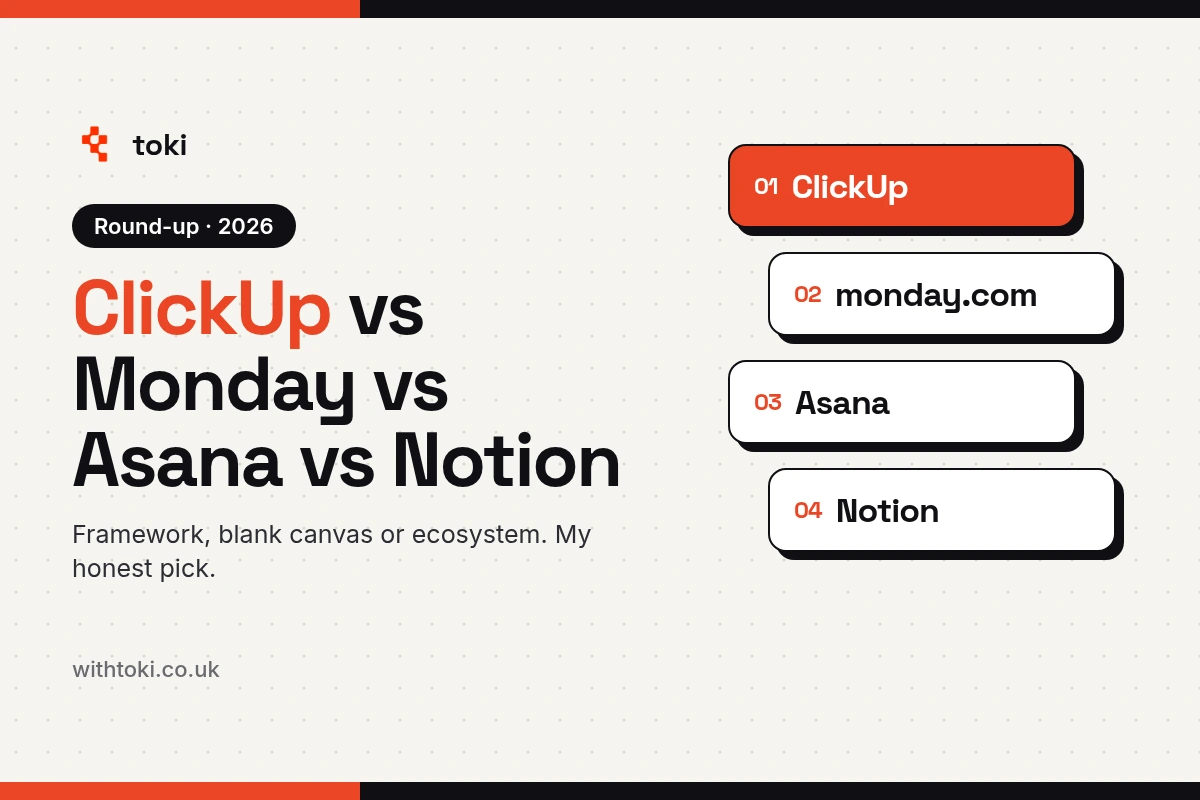
ClickUp vs Monday vs Asana vs Notion: an honest UK comparison
I build ClickUp systems for a living, so here's an honest UK comparison of ClickUp, monday.com, Asana and Notion, with a checked table and a verdict.
Written October 2026
Short answer: if you want one place to run your whole business, pick ClickUp. If you want simple boards your team can use by Friday, monday.com is fine. If you mostly write docs and wikis, Notion. If you run lots of projects and nothing else, Asana is solid.
I'm biased, and I'll say it once: I'm a ClickUp Verified Consultant and I build ClickUp systems for a living. So I'll tell you exactly why I'd pick it, and where it's the wrong call.
Framework, blank canvas or ecosystem?
This is how I explain the four tools to clients, and it's the bit most comparisons miss.
monday.com bakes you into its ecosystem. It looks great and it's easy to start. But once you want it to do something it wasn't designed for, it's workarounds with automations. You end up bending the business to fit the boards.
Notion is a complete blank canvas. It's a database where you can have whatever you want. That's lovely if you're technical and have time. Most owners I talk to don't have either, and that's where people struggle.
ClickUp sits in the middle. It gives you a framework (Spaces, Folders, Lists and tasks), and inside that framework you can build what you need: a CRM, a client management system, a partner management system, project management, and reporting to an extent.
Asana is the tidy project tool. Very good at projects and tasks. Less good when you want it to be your CRM and your service desk too.
Here's the proof point I care about most. I've done more migrations from Notion to ClickUp and from monday.com to ClickUp than any other kind of migration, including any away from ClickUp. That speaks volumes in itself.
ClickUp vs monday.com vs Asana vs Notion: the comparison table
| Feature | ClickUp | monday.com | Asana | Notion |
|---|---|---|---|---|
| How it's built | Framework: Spaces, Folders, Lists, tasks | Boards and items | Projects and tasks | Blank canvas: pages and databases |
| Free plan | ✓ Unlimited members, 60MB storage | ✓ Up to 2 seats, 3 boards | ✓ Personal plan | ✓ Free plan |
| First paid plan | Core $9 | Basic $9 a seat, 3-seat minimum | Starter $10.99 | Plus $10 |
| Next plan up | Business $17 | Standard $12, Pro $19 | Advanced $24.99 | Business $20 |
| Automations | ✓ 1K a month on Core, 10K on Business | ~ 250 automation and 250 integration actions a month on Standard | ✓ Unlimited rules from Starter | ~ Buttons only on Free; database automations from Plus |
| Native time tracking | ✓ From Core (trial on Free) | ~ Pro only | ~ Advanced only | ✕ Not listed |
| Day-one ease (my view) | Medium: worth an afternoon of setup | Easiest on day one | Easy | Easy to start, harder to build well |
| Verdict | The pick. A framework you can build almost any system on. | Fair choice if you want simple boards fast. | Solid for project-led teams. | Great for docs and wikis. |
| Best for | Teams that want one place to run the whole business | Small teams who want something working by Friday | Teams running lots of client or internal projects | Knowledge bases and people happy to build their own setup |
Who should pick which
Pick ClickUp if...
You want sales, delivery, service and reporting in one place. You're fed up with three tools that don't talk to each other. You'll put an afternoon into setting it up, or get someone to do it for you.
Skip it if you only need a shared to-do list for three people. ClickUp can do that, but it's more tool than you need.
Pick monday.com if...
You want something good-looking that your team can pick up on day one, and your process is simple. monday.com does this well, and it gives you unlimited free viewers on paid plans, which is handy if clients just need to look.
Skip it if you need time tracking without paying for Pro, or your process has lots of moving parts. Watch the 3-seat minimum and the automation actions too: Standard includes 250 automation and 250 integration actions a month.
Pick Asana if...
Your work is mostly projects with clear owners and deadlines. Asana gives you unlimited rules from Starter, which is generous, and its timeline is good.
Skip it if you want one tool to run the whole business, including a CRM and a service desk, or you need time tracking below the Advanced plan.
Pick Notion if...
You live in documents. Notion is the best of the four for wikis, handbooks and notes, and Business now includes Notion Agent and SAML SSO.
Skip it if you don't have the time or the technical itch to build your own system from scratch. A blank canvas is only freeing if you know what to paint.
Why ClickUp wins for most small businesses
Most owners I talk to aren't after a project tool. They're after one place where they can see everything about a client without opening five tabs.
ClickUp is the only one of the four I'd trust to be the CRM, the project tool and the service desk at the same time, without bending it out of shape. Three reasons:
- The framework stops it getting messy. Spaces, Folders and Lists give everyone the same map. Notion lets every person build their own map, which is how you end up with four versions of the client list.
- Time tracking is included from Core, ClickUp's cheapest paid plan, with a trial on Free. On monday.com it's Pro only, and on Asana it's Advanced only. If you bill by the hour, that's real money.
- It plays nicely with Zapier and Make on every plan, plus 50+ native integrations. So when ClickUp can't do something itself, it can hand it to an automation tool cleanly. I'm also a Zapier Gold Solution Partner, so I build that side too.
It isn't perfect. More on that below. But monday.com is easier on day one, and ClickUp is easier on day 300.
…Jack nailed the brief, everything felt calmer and clearer and the team are much happier too. The automations alone have saved us hours each week, but the biggest win is how simple everything is now. A system that actually fit how we work
Harley Black, Sales & Marketing Manager at Equipmake, on my ClickUp partner page
Real builds: what this looks like in practice
Pricing: what you'll actually pay
ClickUp is in the middle of changing its plans, so treat these as a snapshot. I checked every price on 28 October 2026, on each tool's own pricing page, and they showed in US dollars before VAT.
- ClickUp: Free at $0 (unlimited members, 60MB storage, 100 automation actions a month, and a time tracking trial). Core at $9 per user a month billed yearly (1K automations a month, time tracking, unlimited forms, Gantt and Chat). Business at $17 (10K automations, timesheets, Google SSO, webhooks, advanced dashboards). Max at $100. Enterprise is custom, with 1M automations a month. ClickUp shows $9, $17 and $100 as discounts on regular prices of $12, $25 and $120. Some visitors and existing customers may still see the older Unlimited ($7) and Business ($12) plans. clickup.com/pricing
- monday.com: Free for up to 2 seats and 3 boards. Basic $9, Standard $12 and Pro $19 per seat a month billed yearly, with a 3-seat minimum. monday.com says prices vary by billing country and exclude tax. monday.com/pricing
- Asana: Personal is free. Starter is $10.99 per user a month billed yearly ($13.49 monthly). Advanced is $24.99 ($30.49 monthly). asana.com/pricing
- Notion: Free plan, with buttons only. Plus is $10 and Business is $20 per member a month billed yearly, and database automations start on Plus. notion.com/pricing
One thing to watch on ClickUp: conditional logic on forms (show this question only if they picked that answer) is listed on Enterprise and Max only. If your forms need branching, plan for it, or keep those fields optional for now. I hit exactly this on the Ground Tech build.
Where ClickUp loses
I set ClickUp up for a living, so here's where it isn't the right call.
- Day one is harder. There's more to it than monday.com or Asana. Without a bit of structure, it can feel noisy. That's the whole reason people hire someone like me.
- Docs and wikis. ClickUp Docs are fine and they sit right next to your tasks. But for a big handbook or knowledge base, Notion is nicer to write in.
- Form logic costs more. As above, conditional forms sit on the top plans.
- Pure project teams. If all you do is projects, Asana is cleaner and quicker to learn.
When you're spending more time bending your tool than using it, that's your sign to switch. That goes for ClickUp too.
What about Trello and Airtable?
Both came up when I was researching this, so here's the short version.
Trello is the simplest of the lot: cards on a board. Standard is $5 per user a month billed yearly ($6 monthly) and Premium is $10 ($12.50 monthly) on trello.com/pricing. Brilliant for a small team with a simple process. Skip it if you need a CRM or reporting. More in ClickUp vs Trello.
Airtable is a database with a friendly face. Team is $20 and Business is $45 per seat a month billed yearly on airtable.com/pricing, and read-only users are free. Great for data-heavy work. Skip it if you want task management first and a database second. More in ClickUp vs Airtable.
If you're sticking with the big four, my head-to-heads go deeper: ClickUp vs monday.com, ClickUp vs Notion and ClickUp vs Asana.
FAQs
Is ClickUp cheaper than monday.com?
On paper they start at the same price: ClickUp Core and monday.com Basic are both $9 a month billed yearly (checked 28 October 2026). The difference is what you get. monday.com has a 3-seat minimum and puts time tracking on Pro, while ClickUp includes time tracking from Core, its cheapest paid plan, with a trial on Free.
Which is easiest to learn?
monday.com and Asana are the easiest on day one. Notion is easy to start but harder to build well. ClickUp takes a bit more setup, and that setup is what makes it easier to live with later.
Can I move from monday.com or Notion to ClickUp?
Yes. It's the migration I do most. The trick is not to copy your old boards across one for one, but to rebuild around the client first, then bring the data in.
Is ClickUp GDPR compliant, and where is my data stored?
ClickUp lists data residency on Enterprise and Max on its pricing page (checked 28 October 2026). For GDPR, check ClickUp's own security and privacy pages and your data processing agreement with them, rather than taking a blog's word for it.
Which plan do I need for form logic or more automations?
On ClickUp's current pricing page, conditional forms are listed on Enterprise and Max. For automations, Free includes 100 actions a month, Core 1K and Business 10K (checked 28 October 2026). ClickUp is changing its plans, so check clickup.com/pricing before you buy.
Want ClickUp built around your business, not the other way round?
If you're stuck between these four, I'll tell you honestly which one fits, even if it isn't ClickUp.
I'm one of 8 UK-based ClickUp Verified Consultants. ClickUp vets every consultant on that list, and the job is setting up workspaces, sorting out workflows and getting teams onto it properly (ClickUp Help). You can find me on ClickUp's own partner directory. It's a listing ClickUp runs, not a title I gave myself.
Why that matters to you: I've done 200+ ClickUp builds and 260+ projects, and the systems I've built save clients 500+ hours a week between them. So the framework gets shaped to how you actually work before your team ever logs in, and nobody spends six months fighting the setup.
If you're weighing up a move, or your current setup has gone messy, book a free 30-minute call and I'll have a nosy: book a call with Jack.
Contact Jack - jack@withtoki.co.uk
Read more resources
ClickUp Sheets: what it does, who gets it, and when to use it
ClickUp now has spreadsheets built in. What Sheets does, which plans get it, and when to use it instead of a Table view or Google Sheets. Checked Oct 2026.
Zapier vs Make vs n8n vs Power Automate: which one can your team own?
Zapier is the one your team can actually own. Here's my honest UK comparison of Zapier, Make, n8n and Power Automate, with a checked table and a verdict.

Toki is now a Zapier Gold Solution Partner
Toki is now a Zapier Gold Solution Partner, one of a few in the UK. Here is what it means for your automation build and how to pick a partner.